At the forefront of digitalization, the Work OS is perhaps the most important revolution for daily work. By enabling the creation and implementation of collaborative processes, and by putting previously unimaginable management and automation possibilities into the hands of users, it offers multiple opportunities for businesses.
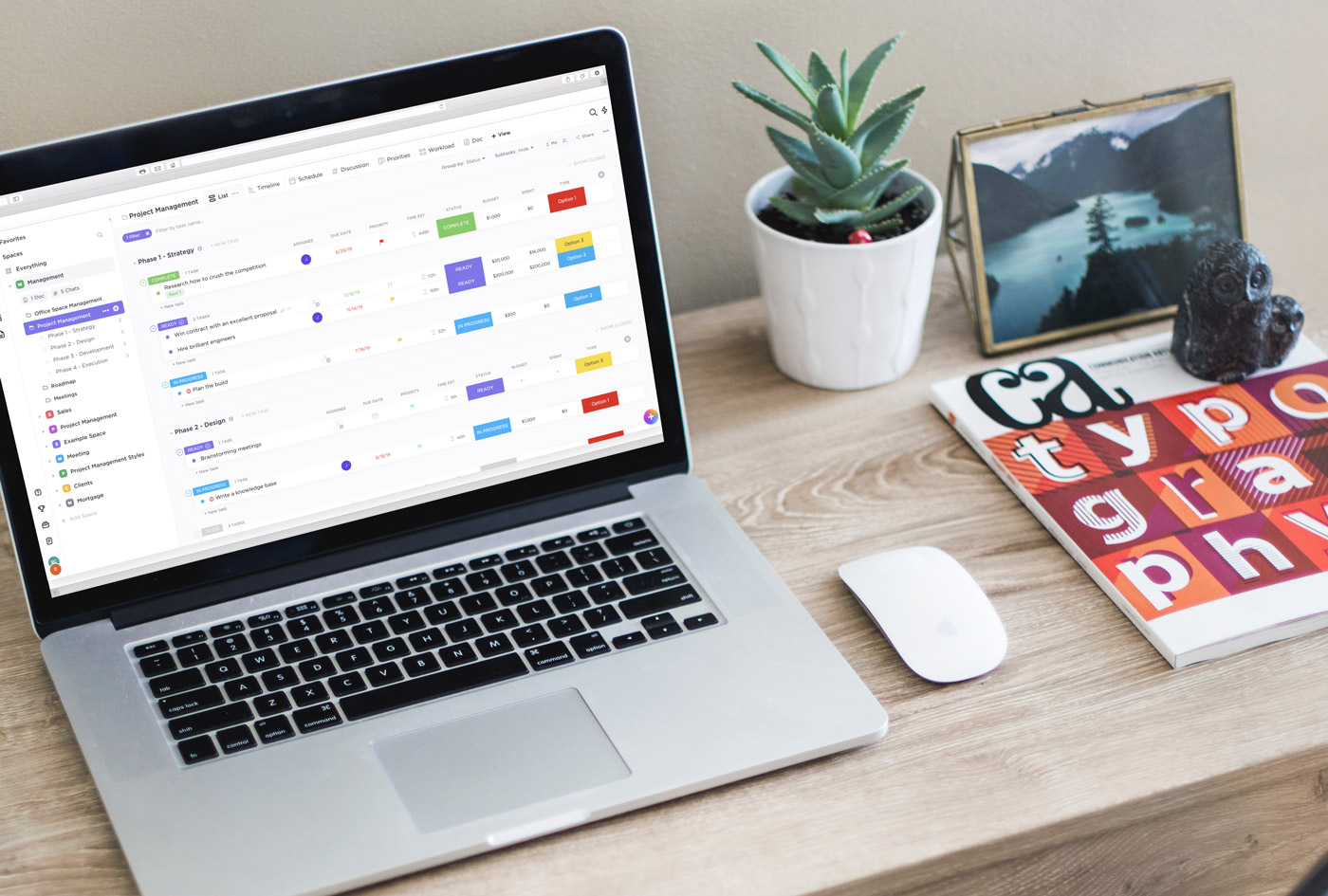
An emerging category stemming from project management software, a Work Operating System (Work OS) is typically cloud-based software where teams plan, organize, execute, and track daily work, including workflows, projects, initiatives, tasks, and reporting.
Their very high flexibility makes them extremely versatile. They cater to all contexts, all professions, all types of businesses, and all hierarchical levels.
Ultra-flexible, the Work OS is capable of reconfiguring itself, in real-time, according to the needs of the collaborator, the team, or the company.
The challenge for managers
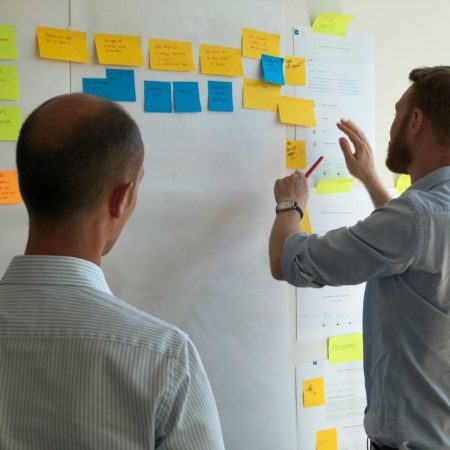
As a team leader, it's never easy to manage and track work. You need to ensure that projects, processes, and daily work are completed within defined deadlines, budget, and resources. But, in today's fast-paced and complex work environment, work management is a real challenge.
An effective team leader must bring the team together, coordinate different people from different teams, manage different opinions and ideas about the project, and ensure that work is carried out in an organized manner.
As a manager, you will often have to interact with people from various internal and external teams, or even elsewhere. You must overcome obstacles due to distance, email back-and-forth, long Skype calls, too many spreadsheets, etc.
Furthermore, when team members use different platforms for communication, documentation, and work management, it becomes truly difficult to consolidate status, get an accurate picture of the work, and meet deadlines.
Bringing everyone under one roof
Organizational silos are threats to the company. Silos occur in a company when departments or teams do not share information, goals, priorities, tools, and processes with each other.
This mentality affects business operations, and poor collaboration makes it difficult for teams to make data-driven decisions, lowers employee morale, and tires and slows down the company and its performance on its products, services, and culture.
The Work OS allows all members of the organization to stay connected, aligned, and focused on work that impacts executives and collaborators, across all hierarchical levels. It also helps ensure that individual and departmental goals are aligned with organizational objectives.
A good Work OS breaks down organizational silos by providing all teams and departments with a common shared platform where stakeholders, team members, managers, and leaders can find anything they need related to the project. There is a single source of truth, and everyone has access to the same information when planning and working on tasks.
The Work OS is a centralized data sharing hub, and it does much more than that. It is a complete work hub that brings together all facets of work—i.e., projects, programs, initiatives, ideas, epics, tools, processes, metrics—in one place where all information is easily accessible.
Need and types of Work OS
The Work OS offering was born in the context of the digitalization of teams and operations. Teams need to be truly fast, cross-functional, autonomous, collaborative, highly productive, and efficient in order to beat the competition and provide a first-class customer experience.
To manage these types of complex and changing work environments where collaboration is very important, a work management system is necessary so that all work and related artifacts can be kept in one place and be easily accessible to everyone.
Work OS helps provide a technical solution to important trends in the world of work:
- Enterprise Agility and Agile methodologies: Nowadays, organizations adopt an agile methodology to remain flexible and adaptable to meet changing customer needs. Organizations are undergoing a digital transformation to achieve enterprise agility with a flat hierarchy and independent teams.
- The democratization of project management: As we move towards the concept of autonomous teams, project management skills are expected from all employees. Thus, a Work OS helps maintain the synchronization of individual, team, and organizational KPOs.
- Digital transformation often leads to data silos: companies use various new technologies to manage work and streamline processes.
- Autonomous and independent teams: the concept of autonomous and independent teams in agility sometimes gives rise to mini-organizations within a large organization. Teams begin to operate autonomously, without collaboration with other teams and without synchronization with company objectives. This results in data silos, collaboration silos, and operational silos.
Who is the Work OS for?
Of course, a work management system is super useful for managers and leaders to effectively manage operations. Nevertheless, users should be all members of the organization. It is suitable for teams of any size because it is flexible to meet the needs of any process, task, or workflow.
A Work OS should be a common tool for all employees, not just for a specific subgroup. Developers, marketing, finance, secretarial, sales, HR, team leaders, project managers, production line, technicians, consultants, or a C-level executive, all will benefit from this tool.
Project management, production processes, employee planning and workload, prospecting and sales, shared contacts, support and tickets, inventory and directory (equipment, sites, customers...), procedures and checklists, approval processes (purchases, invoicing, etc.), onboarding, document base, and much more. The Work OS does everything or almost everything.
The offering of this software can be used in all types and sizes of companies, from SMEs (small or medium-sized enterprises) to enterprises. A work operating system provides different levels of functionality that vary depending on ease of use and flexibility.
Capabilities and Features of a Work OS
Customizable Workflows
The Work OS allows for the customization of workflows according to the different needs of individuals, teams, and organizations. It uses operational building blocks to enable users to create workflows and obtain data. Users can divide and rebuild workflows to cope with increasing complexity over time and serve a wide range of applications and teams.
Workflow Automation
The Work OS allows for the automation of repetitive tasks. This aims to eliminate human errors and redundant manual efforts. Automation occurs both within the operating system and across the applications and tools used by teams. This automation is no-code and is primarily intended for business users to reduce manual operational work and focus on what truly matters.
Organization-Wide Use
Preferably, it should be flexible enough to handle all types of work within the organization. Everyone in the organization should be able to use it easily. It must have controlled autonomy to allow teams to work in the way that suits them best.
Data Capture
The Work OS can capture all data generated by manual or automated actions, making it complete and understandable. The availability of data allows teams to become smarter and constantly progress. This provides traceability to oversee any business process and its operational units (e.g., processing travel requests, managing marketing events, support tickets, resource onboarding).
Structured Data Storage and Sharing
The Work OS stores all work-related artifacts and assets in a common location. This saves time and effort in searching for files and ensures version control. This strengthens collaboration between teams. A user can use the data as is or as part of the building blocks.
Data and Application Integration
The Work OS allows users to link external data sources and popular business and communication tools (third-party tools for video, messaging, shared documents, and email) into an integrated workspace to add additional context. This allows users to continue using the tools they prefer, while consolidating all work on a shared platform. This also enables data-driven decision-making and resolves data silos.
Visual Dashboards
Data visualization and analysis is another important feature of a Work OS. It allows you to create reports, generate metrics, and visualizations within a system. This is very useful for stakeholders and senior executives to track team progress, control resources, make data-driven decisions, and see different aspects of the same information. These dashboards provide stakeholders with visibility into the current health of the business and ensure transparency.
Permissions and Governance
The Work OS integrates features for defining authorizations, permissions, and governance to control who can view, update, and modify content and who can integrate and automate work. Teams can work in their own style with the tool, while remaining aligned in compliance with company standards.
Progress tracking
The Work OS allows tracking the progress of each task and also tracking individual and collective performance against committed plans and schedules.
In-context communication
This allows you to have a conversation within a system. You can comment on tasks and activities, add attachments, etc. This improves collaboration and avoids unnecessary emails and meetings.
Data security
Potentially, a Work OS may have access to sensitive data from your organization, which is why you must very carefully check security compliance with the provider.
All providers must ensure that the product complies with local regulatory requirements and any other required security standards.
This may include GDPR compliance, ISO 27001 for information security, ISO 27018 for privacy in the cloud, Systems and Organizations Controls – AICPA SOC1, AICPA SOC2, AICPA SOC3.
How to choose a good Work OS
To choose the best Work OS, you must consider the following factors:
- Flexibility: the system is flexible enough to adapt to your organization's workflow.
- Interoperability: determine if the tool you are going to deploy in your workplace has integration support available for the existing software or tools your organization currently uses.
- Ease of adoption: What is the learning curve of the tool? Is it easy to use and simple to understand? Does it require technical knowledge? Will non-IT specialists be able to use it well? Is it necessary to hire someone to manage the tool?
- Time: Will features such as automation help you reduce manual and redundant efforts and save time in daily work management?
Our favorite Work OS
From the first appearances of cloud project management software, we have made it a habit to regularly evaluate them and maintain an up-to-date information base on the various possibilities offered by this booming market.
Since then, Monday.com remains the most impressively easy and versatile Work OS.

Monday.com
The most complete and versatile work OS. Monday revolutionizes business.